BrianD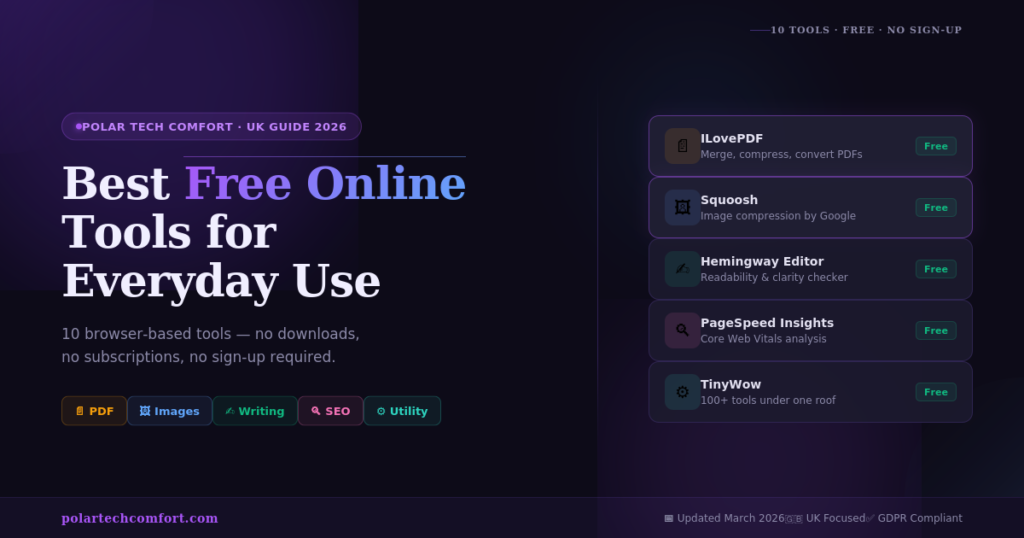
The best free online tools for everyday use in 2026: Smallpdf & ILovePDF (PDF tasks), Squoosh (image compression), Canva Free (design), WordCounter (writing), Hemingway Editor (readability), Google Search Console (SEO), TinyWow (multi-purpose), and Grammarly Free (grammar). All browser-based. Most need no account. All genuinely free.
Let’s be honest — most of us do not want to pay a monthly subscription just to convert a PDF, resize an image, or check how many words are in a document. Especially when there are excellent free tools that do exactly the same job in seconds, right inside your browser.
In 2026, the landscape of free online tools has never been better. Whether you are a student, a small business owner, a freelancer, or simply someone who needs to get things done — there are genuinely powerful tools available at no cost whatsoever.
At Polar Tech Comfort, we build and maintain our own free tools — and in this guide we have combined them with the best third-party options so you have everything in one place. No filler. No affiliate fluff. Just the tools that actually work.
In this guide, you will find:
- The 10 best free browser-based tools for PDF, image, writing, SEO, and productivity
- Which tools work without any account or registration
- Our own free tools you can use directly on this site
- How each tool fits into your everyday workflow
- Answers to the most common questions about free online tools
What Are Free Online Tools — and Why Are They So Useful?
Free online tools are web-based applications that let you complete specific tasks directly in your browser — with no software to install, no account to create, and no subscription fee. You open a URL, do what you need, and close the tab.
They are most useful for tasks you need to carry out occasionally but not often enough to justify a paid subscription. Here are the most common situations where a free tool is simply the smarter choice:
In every one of these situations, a free online tool is the smart, practical answer. And in 2026, these tools are faster, more capable, and more private than ever before.
All tools recommended in this guide are GDPR compliant. Where possible, we highlight tools that process files entirely in your browser — meaning your data never leaves your device. All Polar Tech Comfort tools run 100% in your browser with zero data storage.
The 10 Best Free Online Tools for Everyday Use in 2026
Each tool below has been selected on the basis of four criteria: genuinely free for everyday use, works in any modern browser without downloads, reliable and regularly updated, and trusted by millions of users globally.
PDF files are part of everyday life — council forms, employment contracts, insurance documents, school reports. Yet owning dedicated PDF software is expensive. These two tools close that gap entirely.
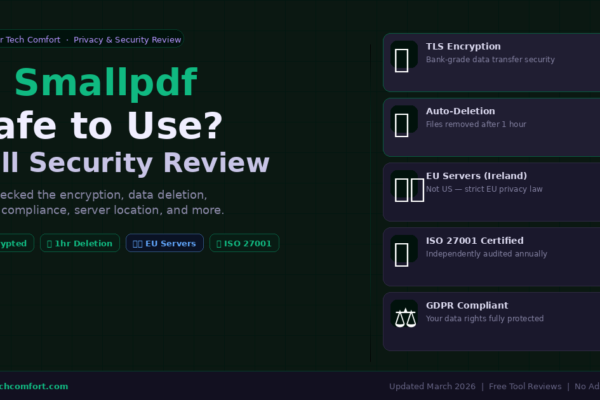
Smallpdf handles compression, conversion (PDF ↔ Word, Excel, PowerPoint), merging, splitting, and e-signing. The free tier covers all occasional use cases comfortably. Clean interface, works well on mobile, no account needed for basic tasks.
ILovePDF covers compress, merge, split, rotate, add page numbers, watermarks, and password protection — all without an account. More generous free tier than most competitors, with no daily task limits on core features. Batch processing included.
Oversized images slow down websites, fail email size limits, and waste storage. These tools fix that in seconds — right inside your browser.
Squoosh runs entirely inside your browser — your image is never uploaded to any server. Compare original vs compressed side by side, choose your output format (WebP, JPEG, PNG, AVIF), and fine-tune settings. Essential for anyone improving website performance — reducing image file size is often the single biggest speed win.
Canva’s free plan gives access to thousands of ready-made templates, a drag-and-drop editor, social media graphics, presentation slides, and basic photo editing. The paid plan adds more assets, but the free tier handles the majority of everyday design tasks comfortably.
Good writing matters — whether drafting a business email, a blog post, or an assignment. These tools help you write more clearly and catch mistakes before they reach your reader.
Paste any text and instantly get word count, character count, sentence count, paragraph count, reading time, speaking time, and keyword density. The keyword density feature is particularly useful for content writers checking that their focus keyword appears at a natural frequency before publishing.
Hemingway Editor highlights long and complex sentences, flags passive voice, identifies unnecessary adverbs, and gives your writing a readability grade level. Particularly useful for anyone writing for a general audience who wants to communicate as clearly as possible.
If you run any kind of website or blog, the tools below give you real data about how your pages are performing — at zero cost. We have also built our own free SEO and speed tools you can use right here on Polar Tech Comfort.
Our own SEO Audit Tool runs a comprehensive on-page SEO analysis on any URL — checking meta titles, meta descriptions, heading structure, image alt text, internal and external links, and overall page performance. Results are scored and presented with clear recommendations. No account, no limit, no cost — ever.
Our PageSpeed Checker gives you mobile and desktop performance scores out of 100, powered by Google PageSpeed Insights. It pinpoints exactly what is slowing your site down — oversized images, render-blocking scripts, server response times — and lists specific fixes. In 2026, Core Web Vitals directly affect your Google rankings, making this one of the most important free tools you can use.
Some of the most useful free tools handle the small, repetitive tasks that eat up your day without you even noticing.
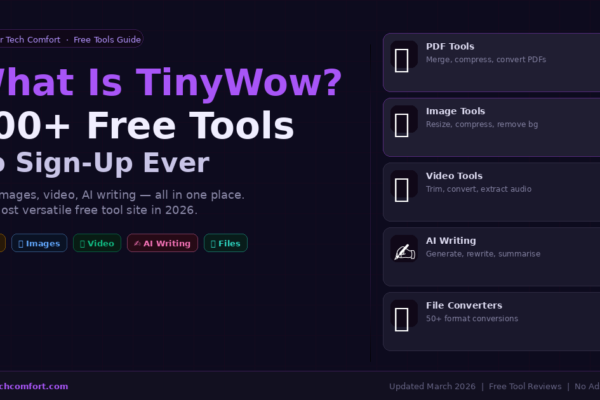
TinyWow is the best single-destination free tool site available in 2026. PDF tools, image tools, video trimming, AI writing assistants, and file converters all under one roof. No account required for most tasks. If you regularly need different utilities for different tasks, bookmarking TinyWow alone saves significant time.
Our AI-powered Plagiarism Checker scans your text against billions of sources and highlights any matches. Whether you are a student checking an essay, a blogger verifying original content, or a professional reviewing a document, this tool gives you confidence in your content’s originality — with no subscription required.
Quick Comparison — All 10 Tools at a Glance
Use this table for a fast side-by-side summary. Tools marked “Our Tool” are built and maintained by Polar Tech Comfort.
| Tool | Category | Cost | Account? | Mobile? |
|---|---|---|---|---|
| Smallpdf | Free/Paid | Optional | ✓ Yes | |
| ILovePDF | Free | Not needed | ✓ Yes | |
| Squoosh | Images | Free | Not needed | ✓ Yes |
| Canva Free | Design | Free/Paid | Required | ✓ Yes |
| WordCounter.net | Writing | Free | Not needed | ✓ Yes |
| Hemingway Editor | Writing | Free | Not needed | ✓ Yes |
| SEO Audit Tool ★ | SEO | Our Tool | Not needed | ✓ Yes |
| PageSpeed Checker ★ | Speed | Our Tool | Not needed | ✓ Yes |
| TinyWow | Multi-tool | Free | Not needed | ✓ Yes |
| Plagiarism Checker ★ | Writing | Our Tool | Not needed | ✓ Yes |
How to Choose the Right Free Tool — A Simple Framework
With so many options, the decision can feel harder than the task itself. Use this five-step approach:
-
1Define the specific task Not just “edit a PDF” — be specific: “remove three pages and compress it.” The more precise you are, the faster you find the right tool.
-
2Check whether an account is required If privacy matters, choose tools with no registration. All Polar Tech Comfort tools, ILovePDF, Squoosh, WordCounter, and TinyWow work instantly without signing up.
-
3Think about how often you will use it For occasional tasks, fully free tools are ideal. For daily use, a well-designed freemium paid tier may be worth the small cost.
-
4Check data privacy for sensitive files All Polar Tech Comfort tools process data entirely in your browser — nothing is ever uploaded or stored. For third-party tools, check their data deletion policy before uploading sensitive documents.
-
5Test it on the device you will actually use All 10 tools work on mobile browsers — no app download required. Essential if you often need to get things done on your phone.
Are Free Online Tools Safe to Use?
A fair question — and the answer depends entirely on the tool. Here is what to check before trusting any free tool with your files:
-
HTTPS — the padlock icon in the browser bar. Never use any tool over an unencrypted HTTP connection — your data would be visible in transit.
-
Clear data retention policy — how long does the service store your files? Look for automatic deletion within a few hours. Both Smallpdf (1 hour) and ILovePDF (2 hours) publish these timelines clearly.
-
Browser-side processing — tools like Squoosh and all Polar Tech Comfort tools process files entirely in your browser. Your data is never uploaded anywhere. This is the gold standard for privacy.
-
GDPR compliance — any tool processing data must comply with data protection law. Reputable tools state this clearly in their privacy policy. All tools in this guide are compliant.
-
Minimal permissions — browser extensions like Grammarly should request only the permissions they genuinely need. Review what access you grant before installing any extension.
Every tool in this article has been reviewed for HTTPS, data handling, and privacy compliance. All Polar Tech Comfort tools run 100% in your browser — nothing is ever stored on our servers.
Frequently Asked Questions
Final Thoughts — The Right Tools Are Already in Your Browser
Between them, the ten tools in this guide cover the vast majority of everyday digital tasks — from editing PDFs and compressing images to checking grammar and monitoring how a website performs in search.
None of them cost anything for standard use. Most work without a sign-up. All open in the browser you already have. And three of the most useful — our SEO Audit Tool, PageSpeed Checker, and Plagiarism Checker — are built and maintained right here on Polar Tech Comfort.
If you found this guide useful, try our free tools directly using the links above — or explore the rest of our site for more practical guides.